
visitor-check-in
Visitor Check-In Software: What to Look For in 2026
What visitor check-in software does, the six features that separate a real system from a digital clipboard, the things it won't do, and how per-location pricing works.
By InstaCheckin Team Updated July 8, 2026
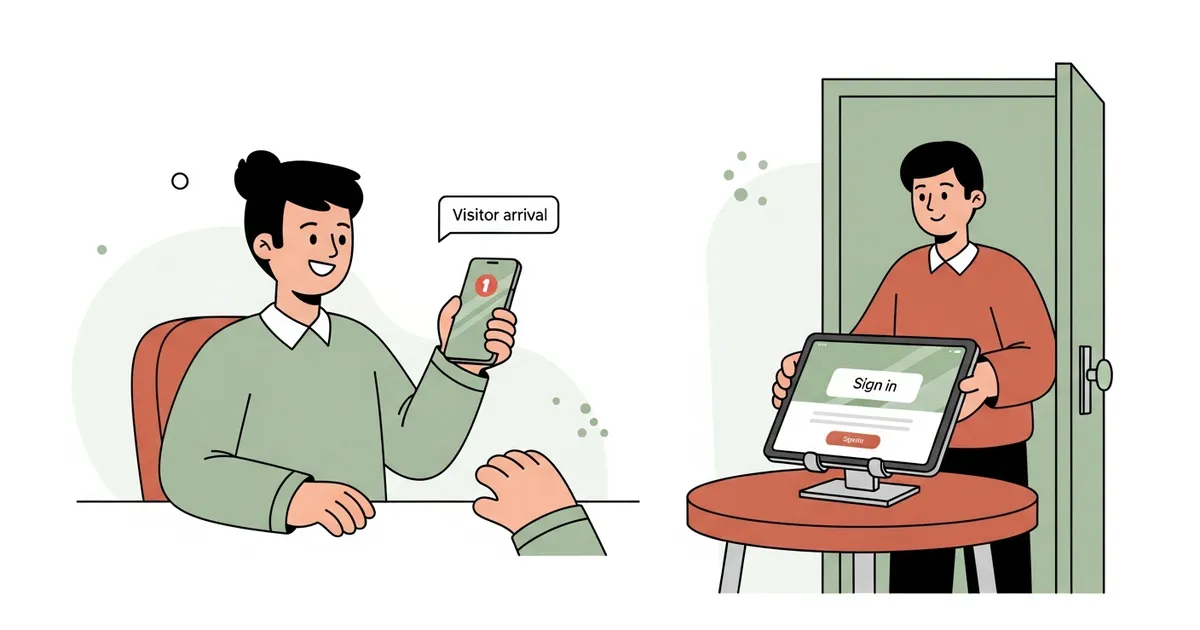
A visitor stands at your reception desk holding a clipboard, squinting at the phone number the last guest scrawled above the blank line. That’s the exact moment visitor check-in software is built to erase.
Visitor check-in software replaces the paper logbook with an app — almost always running on an iPad at the front desk — that captures who the visitor is, who they’re there to see, and any agreement your building requires, then tells the host their guest has arrived. Some people call it a visitor check-in system, a sign-in app, or reception software. The functional core is the same.
This guide covers what the software actually does, the six features that separate a real system from a glorified digital clipboard, the things it deliberately won’t do, and how to think about cost — so you walk into a demo knowing which questions matter.
What Visitor Check-In Software Actually Does
At its core, the software captures four things the moment someone walks in: their name, who they’re visiting, the time they arrived, and their consent to whatever your office asks them to agree to — an NDA, a safety briefing, an export-control notice. The host gets notified. The visit lands in a searchable log instead of a paper logbook nobody reads back. If a label printer is paired, a badge prints.
Most deployments run on an iPad locked to a single app. On iPadOS you do that with Apple’s Guided Access for one device, or Single App Mode pushed by an MDM for a fleet — the same iPad kiosk mode that powers unattended lobby check-in everywhere. For the broader category definition, see what a visitor management system is.
Six Features That Separate Real Software From a Digital Clipboard
Plenty of products will show you a pretty sign-in screen. The depth is in the six things underneath it. Walk through these in a demo before you commit.
- Digital sign-in. The visitor types or taps their name, picks the host, and confirms. A good flow handles walk-ins, returning visitors auto-completing their own details, and expected guests who were pre-registered. Sign-in should take well under a minute end to end.
- Host notifications. The host is pinged the instant their visitor arrives — this is the feature reception staff care about most, because it kills the awkward lobby phone call. InstaCheckin sends email and SMS with the visitor’s name, photo, and reason for visit; some systems in the category also offer Slack or Teams as channels.
- Badge printing. A badge with the visitor’s name, photo, host, and timestamp tells your team the person walking around has been signed in. The default SMB printer is the Brother QL-820NWB, a Wi-Fi/Bluetooth label printer that handles the standard die-cut badge labels.
- NDA and waiver capture. The visitor reads the agreement on the iPad, signs with a finger, and the signed document is stored with the visit record. That’s more searchable and more enforceable than a binder of paper NDAs behind the desk.
- Pre-registration. The host invites an expected visitor in advance from the admin panel; on arrival the guest skips the data-entry step. This is the single biggest lobby-flow speedup in the product, and it’s what separates a current system from a previous-generation logbook clone.
- Visitor log and reporting. Every visit is stored in the cloud with timestamps and photos, filterable by location, host, or date range, and exportable to CSV or PDF. This is the feature that earns its keep the day an auditor or HR asks who was in the building on a specific date.
What Visitor Check-In Software Won’t Do
Being honest about the edges saves a bad purchase. Three limits worth naming.
It isn’t access control. The software records that someone signed in. It doesn’t unlock the door, gate the elevator, or issue a card credential. Access control is a separate category — readers, controllers, and software like Brivo or Kisi. The two integrate in some enterprise deployments, but they’re different products.
It doesn’t answer your phone. Check-in software watches the lobby, not the phone line. When the front desk is unstaffed and the phone rings — a delivery driver, an after-hours caller, an overflow call while reception is mid-check-in — that’s a different tool entirely. Handling those inbound calls is the job of an AI receptionist for overflow and after-hours calls, not a sign-in kiosk.
It won’t make you compliant on its own. A digital log is one input into a privacy or security program, not the whole thing. Because every check-in collects personal data — names, emails, photos, signatures — you inherit obligations to protect and retain it. The FTC’s Protecting Personal Information guide sets out the baseline for safeguarding that data, and the California Attorney General’s CCPA overview covers the deletion and access rights your visitors may hold. Good software gives you retention controls and exportable records; it doesn’t interpret the law for you.
This describes product capabilities, not legal advice. GDPR and CCPA obligations depend on your specific data-processing context — consult counsel before relying on any of this for compliance decisions.
What Visitor Check-In Software Costs
Most visitor check-in software is priced per location per month — one subscription per reception desk — with hardware (the iPad, a stand, and a badge printer) as a separate one-time buy. Tiers usually gate features like multi-site dashboards, custom badge layouts, and integrations rather than visitor volume. Some vendors, InstaCheckin included, offer a free tier for a single low-traffic desk.
Rather than quote a number that’s stale by next quarter, check the published pricing page for current rates and budget one iPad per check-in point. One iPad equals one reception desk; InstaCheckin supports up to five kiosks per location for buildings with multiple entrances.
FAQ
What is visitor check-in software? It’s an app — usually running on an iPad at the front desk — that replaces the paper sign-in book. Visitors type their name, pick the host they’re meeting, and sign any agreement your building requires. The host gets an email and SMS the moment their guest arrives, and the visit is stored in a searchable digital log.
How much does visitor check-in software cost? Most systems are priced per location per month, one subscription per reception desk. Hardware — an iPad, a stand, and a badge printer like the Brother QL-820NWB — is a separate one-time cost. Some vendors offer a free tier for a single low-traffic desk; check the published pricing page for current numbers.
What’s the difference between visitor check-in software and a visitor management system? The terms overlap heavily. “Visitor check-in software” tends to describe the front-desk sign-in flow itself, while “visitor management system” implies a broader platform with pre-registration, multi-site dashboards, and access-control integrations. For a 10–500-person office, they effectively mean the same thing. See our visitor sign-in system guide for the evaluation checklist.
Does visitor check-in software work on an iPad? An iPad is the most common deployment. iPadOS kiosk-mode features — Guided Access for one device, Single App Mode for a fleet — are reliable for an unattended lobby kiosk. InstaCheckin is iPad-first; some other vendors also run on Android tablets or a browser.
Can visitor check-in software print visitor badges? Yes. Most systems drive a Wi-Fi or Bluetooth label printer — the Brother QL-820NWB is the SMB default — to print a badge with the visitor’s name, photo, host, and timestamp. Confirm your specific printer model is supported before you buy one.
Ready to Retire the Clipboard?
InstaCheckin is visitor check-in software built for the 10–500-person office. It runs on any iPad in kiosk mode, captures a visitor photo, prints badges on the Brother QL-820NWB, collects NDA signatures at sign-in, and emails and texts the host the moment their guest checks in. Pre-registration and a searchable, exportable visitor log ship as standard.
The fastest way to judge it is on the hardware you’d actually deploy: put it on an iPad at your front desk and run a real sign-in. Read the office visitor management page for the full deployment picture, or the visitor sign-in system evaluation guide for a tighter buyer’s checklist.
Frequently asked questions
What is visitor check-in software?
How much does visitor check-in software cost?
What's the difference between visitor check-in software and a visitor management system?
Does visitor check-in software work on an iPad?
Can visitor check-in software print visitor badges?
Related reading
Visitor Logbook vs Digital Sign-In: 8 Things You Lose
A paper visitor logbook still works for one-day events and off-grid sites. Everywhere else, here are 8 things you give up by not switching to digital.
Visitor Sign-In System: What It Is + What to Look For
A plain-English guide to what a visitor sign-in system does, what it replaces, and a 7-item checklist for evaluating one for a 10–500-person office.
What Is a Visitor Management System? Plain-English Guide
A plain-English explainer of what a visitor management system is, its 8 core features, the common deployment patterns, and what it is not.