
in out board
In Out Board Guide: From Lobby Whiteboard to Digital
What an in/out board is for, why the magnet whiteboard by the front door stops working once people split time between home and office, and what to look for in a digital replacement.
By InstaCheckin Team Updated October 1, 2026
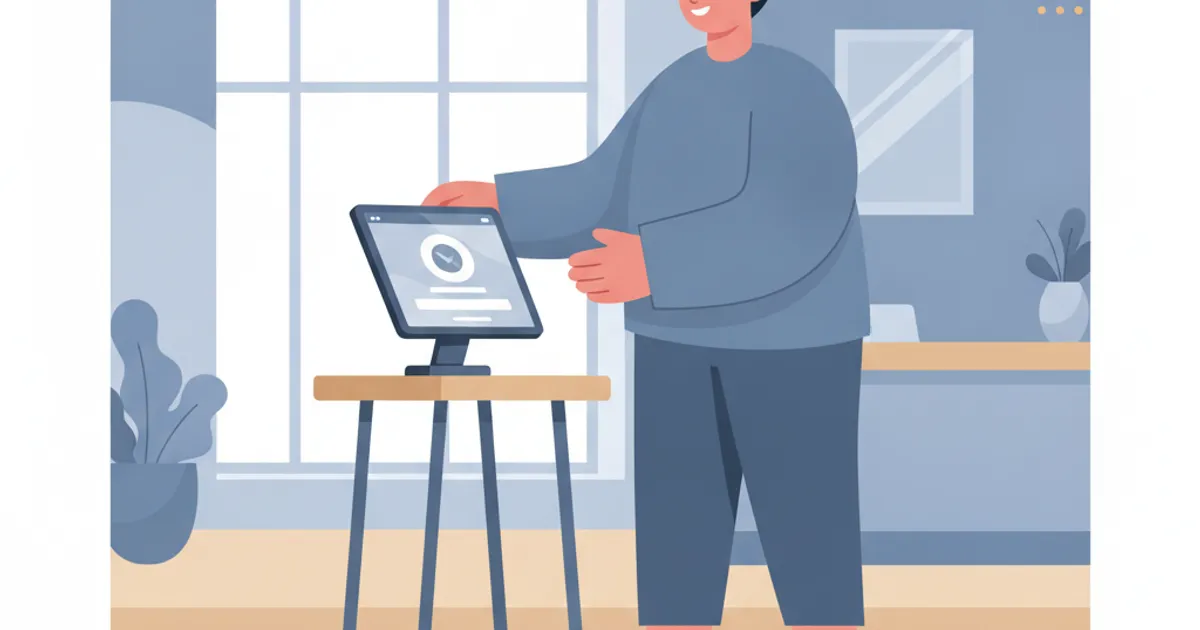
The magnet whiteboard by the front door has one job: tell you who’s in the building right now. An in out board (most offices write it “in/out board”) answers that for the receptionist fielding a call, the colleague looking for a signature and the fire warden counting heads in the car park.
It rarely does the job. Someone forgets to slide their magnet at lunch. A contractor never had a magnet in the first place. By 3pm the board is a guess.
Here’s what the board is actually for, where the whiteboard version breaks, and what a digital in/out board needs to do to beat it.
What an in out board is really for
Strip away the magnets and an in/out board serves three people.
- The person at the front desk. “Is Priya in today?” is one of the most common questions a receptionist gets, by phone or in person. A current board answers it in two seconds instead of a walk round the office.
- Colleagues. Before you book a room or walk over with a question, you check whether the person is even on-site.
- Whoever runs an evacuation. This is the job that matters most and the one paper boards fail hardest.
That last point isn’t a nice-to-have. The OSHA emergency action plan standard (29 CFR 1910.38) lists “procedures to account for all employees after evacuation” as a minimum element of a US employer’s plan. It also lets an employer with 10 or fewer employees communicate the plan orally, but the headcount requirement doesn’t go away for small offices. You still need to know who was inside. Our emergency evacuation plan guide covers the rest of that plan.
Why the lobby whiteboard stopped working
The whiteboard was designed for an office where everyone came in every day and left at roughly the same time. Fewer offices look like that now.
In 2025, 35 percent of employed people did some or all of their work at home on days they worked, according to the Bureau of Labor Statistics American Time Use Survey. The same release found 70 percent did some or all of their work at their workplace, and the overlap is the hybrid worker who comes in two days a week. For an in/out board, that’s the worst case. The default state of a magnet is now wrong half the time, so people stop trusting it, so they stop updating it.
The other problems are quieter:
- No history. A whiteboard shows now. It can’t tell you who was in on Tuesday afternoon when the server room door was propped open.
- It’s public. Anyone in the lobby can read who’s out, sometimes with “back Thursday” scrawled next to the name.
- It only covers staff. Visitors and contractors sign a separate paper book, so the evacuation roster lives in two places.
- It’s tied to one wall. The warden at the assembly point can’t see it.
What a digital in/out board should do
Swapping the whiteboard for a screen doesn’t fix anything on its own. A shared spreadsheet on a TV has the same staleness problem. What fixes it is making the sign-in step part of walking through the door, and making the result visible from anywhere.
Look for these when you compare options:
- Sign in at the entrance, not at a desk. If staff have to open an app on their laptop after they sit down, half won’t. A tablet by the door where they tap their name on the way past gets used.
- Timestamps on every tap. You want “signed in 8:52, out 12:30, in 13:15”, not just a current status.
- One roster for staff, visitors and contractors. In a drill, the warden needs one list, not three.
- Access from a phone. The board has to work at the assembly point, which is outdoors and away from the lobby.
- Export. At some point someone will ask for last month’s records. CSV is enough.
- Privacy by default. Status visible to staff; visitor details behind a login.
There’s a second-order payoff at the front desk. When the board is current, the receptionist stops relaying “is he in?” questions by hand, which is one of the easier wins covered in our post on front desk automation. If the bigger drain is the phone itself, an AI receptionist for overflow and after-hours calls can take the calls the desk can’t get to.
Replacing the in out board without a mutiny
The technology is the easy part. Getting 40 people to tap a screen twice a day is the hard part. A few things help.
Put the tablet where the magnets were. Same wall, same habit. People already look there on the way in.
Make signing out optional at first. Most of the value comes from sign-ins. Once the board is visibly useful, sign-outs follow, especially after the first drill where someone’s name was still showing.
Run a drill in the first month. Pull the list on a phone at the assembly point and compare it to who’s standing there. Nothing sells a new board faster than watching it catch a name the whiteboard would have missed.
Retire the whiteboard on a set date. Two boards running in parallel means both are wrong.
If you’re putting an iPad in the lobby anyway, our guide to choosing a reception sign-in tablet covers mounting, power and locking it to one app.
FAQ
What is an in out board?
It’s a shared display, traditionally a whiteboard or a peg board by the entrance, showing which staff are in the building and which are out. Its job is to answer “is she in?” without anyone walking the floor or calling round.
What’s the difference between an in/out board and a time clock?
An in/out board tracks presence: who’s on-site right now. A time clock tracks hours for payroll and usually has rules about rounding, breaks and overtime. Some offices use one device for both, but the jobs are different, so check what your payroll process actually requires before treating sign-in records as timesheets.
Can a digital in out board help during a fire drill?
Yes, if it’s kept current. A digital board gives the fire warden a live list of who signed in and hasn’t signed out, which is a far better starting point for a headcount than a whiteboard nobody updated since lunch. It only works if signing in and out is part of the door routine.
Should visitors appear on the same in out board as staff?
They should appear on the same roster during an emergency, but not on a public screen. Visitor names and companies are personal information, so keep the visitor list behind a login and show staff status only where everyone can see it.
Put staff and visitors on one iPad
InstaCheckin turns a lobby iPad into a sign-in kiosk. Visitors enter their name, company and reason for visit on the touchscreen, the host gets an email and SMS the moment they check in, and every visit is stored in the cloud with timestamps and photos you can filter by date or location and export to CSV.
For the staff side, see how the employee sign-in app and in/out board runs on the same reception iPad. Start a free trial and retire the magnets.
Frequently asked questions
What is an in out board?
What's the difference between an in/out board and a time clock?
Can a digital in out board help during a fire drill?
Should visitors appear on the same in out board as staff?
Related reading
Emergency Evacuation Plan: The 8 Essential Elements (2026 Guide)
A practical guide to building an emergency evacuation plan: the 8 elements OSHA expects, evacuation types, roles, routes, and how to account for every visitor and employee during a drill or real event.
Front Desk Automation: 5 Tools to Cut Manual Reception Work
Five front desk automation tools for office managers: digital visitor sign-in, AI call handling, online booking, badge printing, and pre-registration.
Reception Sign-In Tablet: Hardware, Software, and ROI
What a reception sign-in tablet actually costs in 2026 — iPad models, mounts, badge printers, and software — with concrete dollar ranges and honest tradeoffs.