
Article
Visitor Management for Office: What You Actually Get
Visitor management for office front desks turns the paper logbook into an iPad kiosk that prints badges, captures NDAs, and notifies hosts on arrival.
By InstaCheckin Team Updated June 28, 2026
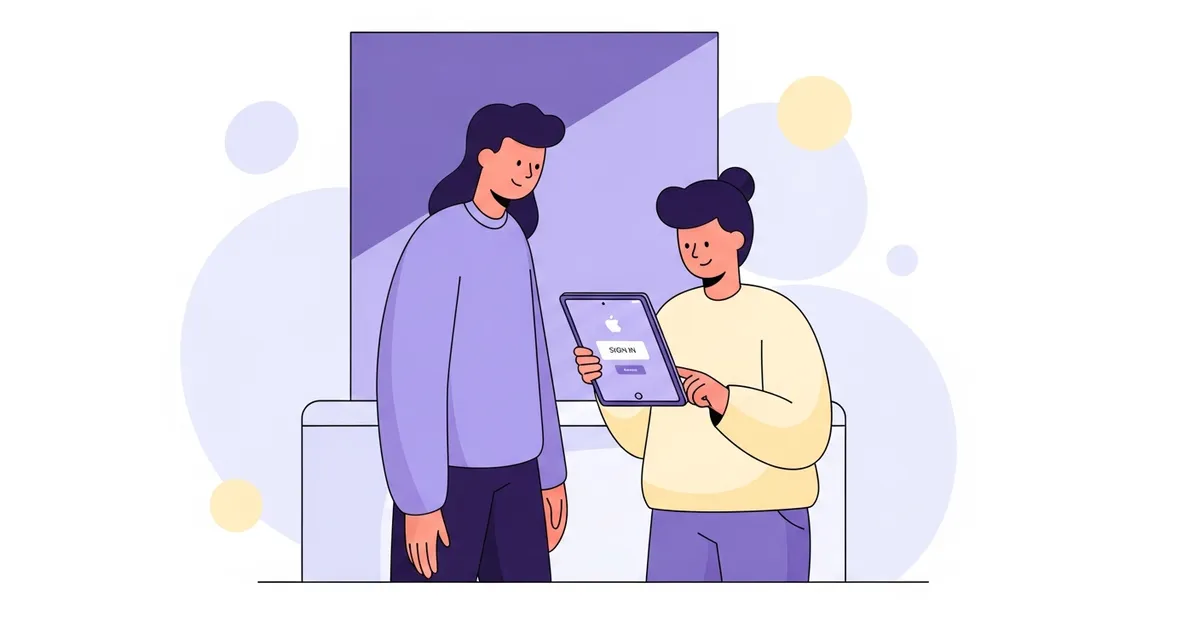
Walk into most offices at 9 a.m. and the busiest object in the building is the front desk. A delivery, two interview candidates, a vendor, and a ringing phone — all inside ten minutes. Visitor management for office front desks exists to take the predictable part of that chaos off the receptionist’s plate, so the desk isn’t the thing that decides whether a guest’s first five minutes go well or badly.
The pitch is simple: the visitor signs in on an iPad, a badge prints, and the host gets pinged automatically. Nobody at the desk has to call upstairs or walk anyone over. But the reason offices keep it isn’t the iPad — it’s what each of the people in that lobby gets out of it. That’s what this guide walks through.
If you want the full feature-by-feature product picture instead, the office visitor management system buyer’s overview goes deeper on each capability.
What Visitor Management for Office Front Desks Actually Replaces
Strip away the marketing and the job is small and specific. The instant someone walks up to the desk, an office sign-in system handles four things the paper book either does badly or can’t do at all:
- Captures the visit — name, company, reason for visiting, arrival time, and an optional photo.
- Collects consent — an NDA, a safety waiver, or an export-control notice, signed on the touchscreen and stored with the visit record.
- Notifies the host — an email and SMS the second check-in completes, with the visitor’s name and photo attached.
- Prints a badge — name, photo, host, and date, printed to a connected Brother QL label printer before the visitor steps away from the kiosk.
The visit then drops into a searchable cloud log you can filter by date, host, or name and export to CSV or PDF. That’s the whole loop. If you’re still mapping the category itself, what a visitor management system is explains where it sits between a clipboard and full physical security.
The First Impression Nobody Budgets For
A guest forms an opinion of your company before they meet anyone. A scuffed clipboard and a pen on a chain say one thing. A clean iPad that knows their name because the host pre-registered them says another.
This is the part that doesn’t show up on a spreadsheet, and it’s also the part that’s easiest to underrate. An interview candidate weighing two offers, a prospective customer touring the office, an auditor sizing up how the place is run — they all read the lobby. A branded badge with the visitor’s photo and the right host name on it costs almost nothing to print and quietly signals that the building is organized.
The hardware behind that impression is short: one iPad per check-in point, a counter or floor stand, and a Brother QL badge printer if you want printed badges. InstaCheckin supports up to five kiosks per location, so a single front desk needs exactly one iPad. You don’t pay for capacity you won’t use.
Where the Receptionist’s Hour Goes
Here’s the unglamorous math. Every walk-in under the paper system costs the receptionist the same three steps: notice the guest, figure out who they’re here for, then call or walk over to fetch that person. Multiply by every visitor, every day.
A sign-in kiosk deletes the third step entirely. When check-in finishes, the host gets an email and a text with the visitor’s name and photo — no relay needed. The receptionist is free to do the work that actually needs a human. That gap between a guest arriving and the host knowing about it shrinks from minutes to seconds.
It matters most when the desk is also the switchboard. A receptionist can’t greet a walk-in and answer a ringing line at the same instant, and the visitor is the one who waits. Some offices pair the kiosk with an AI receptionist for overflow and after-hours calls so the phones keep moving while the iPad handles the lobby. The point is the same either way: take the repeatable work off the person, and let them handle the exceptions. This is the core idea behind front-desk automation, and it’s where the payoff compounds across multiple sites.
Privacy: The Paper Book’s Worst Habit
A clipboard quietly does something no office actually wants: it shows your last visitor’s name, company, and phone number to your next one. Everyone who signs reads the entries above theirs.
That’s a real concern for any office handling personal data under the GDPR’s data minimisation principle in Article 5, or for California businesses under the California Attorney General’s overview of the CCPA. A digital sign-in closes the leak by design — each visit goes straight to a secured admin portal, visible only to authorized staff, and you can set retention windows so old records are purged automatically. This describes a common privacy risk, not legal advice. GDPR and CCPA obligations depend on your specific data-processing context; consult counsel before relying on this for compliance decisions.
NDAs get the same treatment. The document is presented on-screen, signed with a fingertip, and the signed version is archived with that visit — name, date, and time bound together, no screenshots required. Electronic-record and e-signature enforceability varies by jurisdiction; this describes a product feature, not legal advice.
A Record That Answers “Who Was Here on the 14th?”
Most of the time the visitor log just sits there. Then one day legal, a client, or a safety officer asks who was in the building on a specific afternoon, and “we have a notebook somewhere” is not an answer.
Every visit InstaCheckin captures is stored in the cloud with a timestamp and any photo taken at sign-in. You filter by location, host, date range, or visitor name, and export the result to CSV or PDF in a few taps. For a single office that’s a convenience. For a regulated manufacturing plant or a multi-site company it’s the difference between a five-minute lookup and a bad afternoon.
The other quiet win is consistency. Once the kiosk is the only way in, you don’t have visitors who “forgot to sign,” half-legible entries, or a page someone tore out. The record is complete because the badge won’t print until the sign-in is.
FAQ
What does visitor management for an office include?
At minimum, it captures the visitor’s details on an iPad, collects any required NDA or waiver signature, prints a badge, and notifies the host by email and SMS the moment check-in completes. Every visit lands in a searchable cloud log instead of a paper notebook, so you can filter and export records later.
Is visitor management worth it for a small office?
If you get even a handful of visitors a week, usually yes. The hardware is one iPad and an optional badge printer, and the payoff shows up in soft places: no reception phone-tag to find the host, a faster lobby, and searchable NDAs and photos when someone needs them months later.
Does the office need a receptionist for the kiosk to work?
No. A self-service kiosk runs unattended — the visitor signs in, the badge prints, and the host is notified automatically. For an unstaffed lobby, lock the iPad to the sign-in app with Single App Mode so it relaunches on its own after a reboot. Apple’s free Guided Access feature, documented in Apple Support, covers a staffed desk in about a minute.
How is a digital sign-in more private than a paper logbook?
A paper book shows every previous visitor’s name, company, and phone number to the next person who picks up the pen. Digital records go to a secured admin portal visible only to authorized staff, and you can set retention windows so older entries are purged on a schedule you choose.
Put One iPad on the Front Desk
The lowest-risk way to judge visitor management for office use is to run it for a week. Put one iPad on one desk, send real visitors through it, and watch whether the host notifications and the printed badge change the lobby enough to roll it out further. You’ll know fast.
Start a free trial and have your first kiosk taking visitors before the end of the week — no receptionist required to keep it running.
Frequently asked questions
What does visitor management for an office include?
Is visitor management worth it for a small office?
Does the office need a receptionist for the kiosk to work?
How is a digital sign-in more private than a paper logbook?
Related reading
Front Desk Automation: 5 Tools to Cut Manual Reception Work
Five front desk automation tools for office managers: digital visitor sign-in, AI call handling, online booking, badge printing, and pre-registration.
Office Visitor Management System: A Buyer's Overview
An office visitor management system replaces paper logbooks with a digital kiosk that notifies hosts, prints badges, and keeps visitor records searchable.
Visitor Management System for Office: A Practical Guide
How a visitor management system for office front desks replaces the paper logbook with an iPad kiosk that prints badges, captures NDAs, and notifies hosts.